Call new trucking companies while they're still choosing a dispatcher.
Every new FMCSA authority in your states, every morning, with phone and email. Work the list alone or with your team.
- Free: 15 carriers a month with phone and email
- No card needed
- Data from FMCSA's public registry

Last week
428
new carrier authorities granted, week of Oct 19
A full Monday to Sunday week, updated every Monday from FMCSA's public records. The carrier list itself is refreshed every day, so new grants show there first.
New authorities in every stateWhere the new carriers are
From new authority to new client
One list, from the day FMCSA grants authority to the day they become your customer.
-
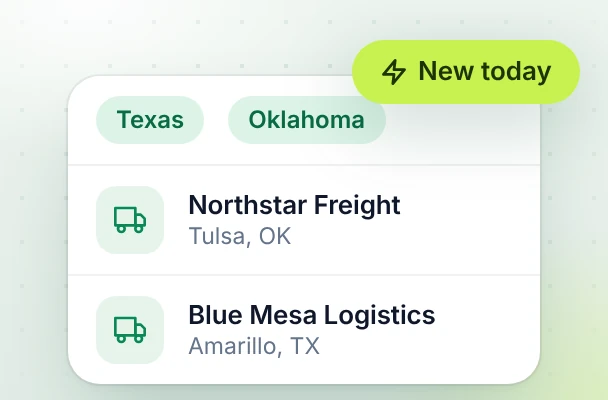
1 New authorities
Newly granted carriers in your states, newest first, every morning.
-
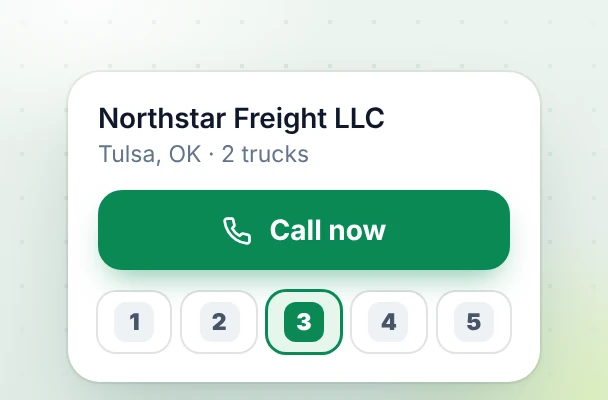
2 Call list
Work down the list: call, set a status, add a note.
-
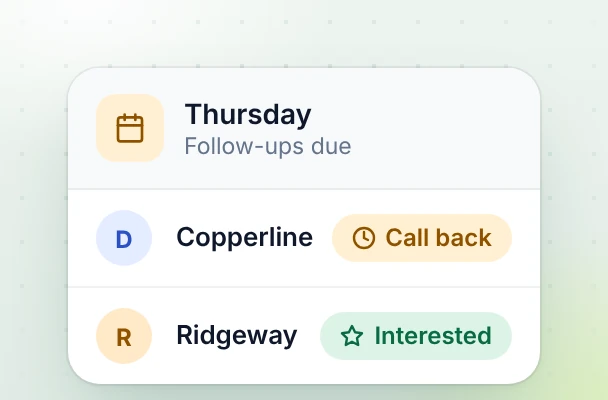
3 Follow-ups
Pick a date and the carrier comes back to your list that day.
-
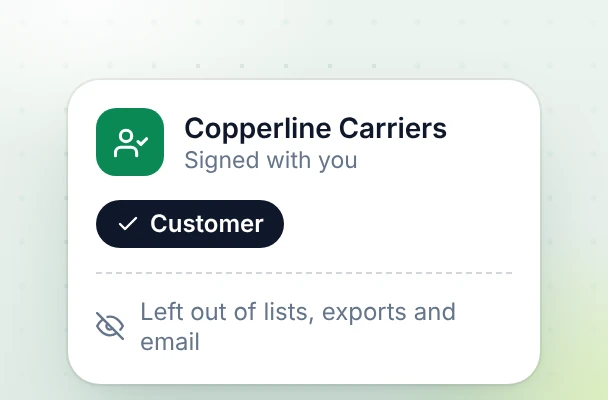
4 Dispatch clients
Mark a carrier as a customer and it leaves your lists, exports and emails.
Where the data comes from, and what you get
The carrier data is public. What you are paying for is the work around it.
- Straight from FMCSA
- Every carrier comes from FMCSA's public registry files, read every day.
- Fresh, with honest limits
- New grants appear after FMCSA publishes them, and FMCSA sometimes adds grants a few days late.
- Phone and email where they exist
- Numbers are formatted and ready to dial, and emails that belong to a filing agent are flagged. Public records are not perfect, so some contact details will be out of date.
- Unlocked when you open a carrier
- Phone and email stay hidden until you open a carrier. That uses one of your monthly carriers; opening the same one again is free.
Why not just use a spreadsheet?
The carrier data is public, and you can get it as a spreadsheet. HaulBloom is about the work around it: who has been called, who needs a follow-up, and sending the emails.
A spreadsheet
HaulBloom
Everyone on the team ends up with their own copy.
One shared list the team works from. Set a status and your name shows next to it.
You may not know a teammate already called a carrier.
Carriers someone has taken show who has them, so the call sheet can skip those.
Some emails belong to a filing agent, not the carrier.
Agent emails are flagged, so you can leave them out of campaigns and exports.
Carriers you already dispatch for stay in the list.
Mark a carrier as a customer and it is removed from your lists, exports and emails.
Follow-ups depend on someone remembering.
Set a follow-up date and it comes back in the app and in your morning email.
Personalizing each email by hand takes a person’s time.
Select carriers and name, company and MC fill in automatically. Emails go from your own mailbox, a few at a time.
Built for the way dispatchers find carriers
Everything between a new authority and a booked carrier.
-
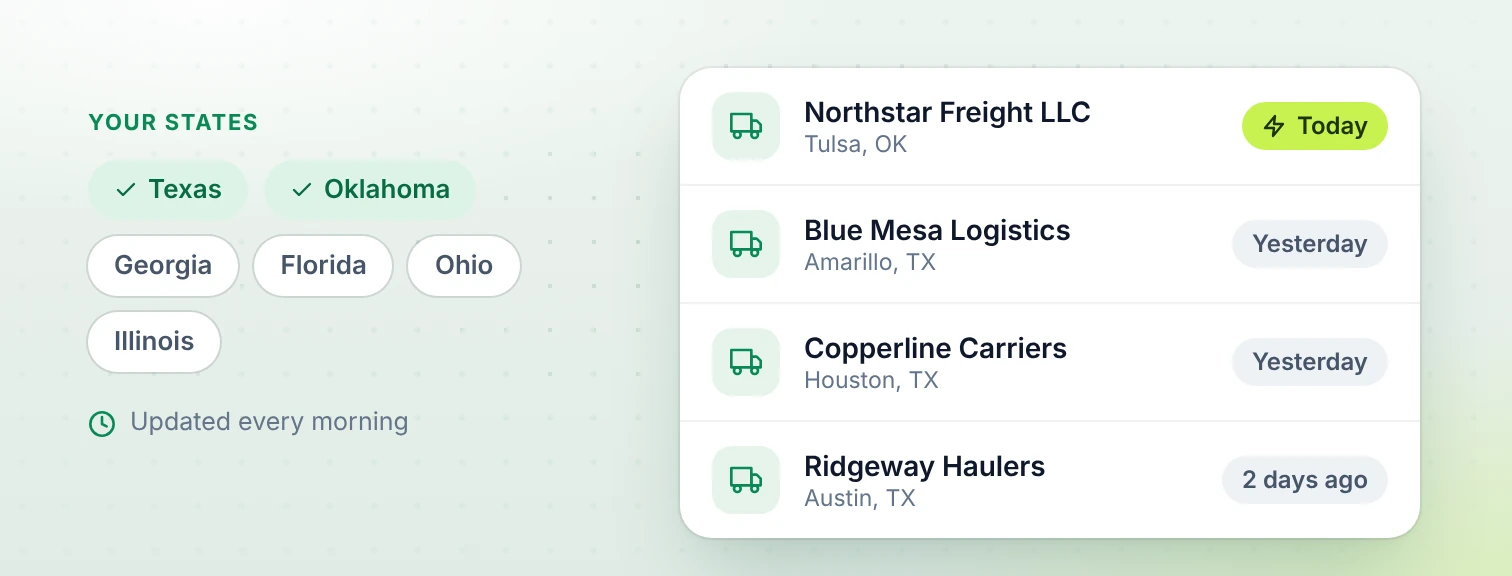
New authorities every morning
Newly granted carriers in the states you work, newest first, read from FMCSA's files every day.
-
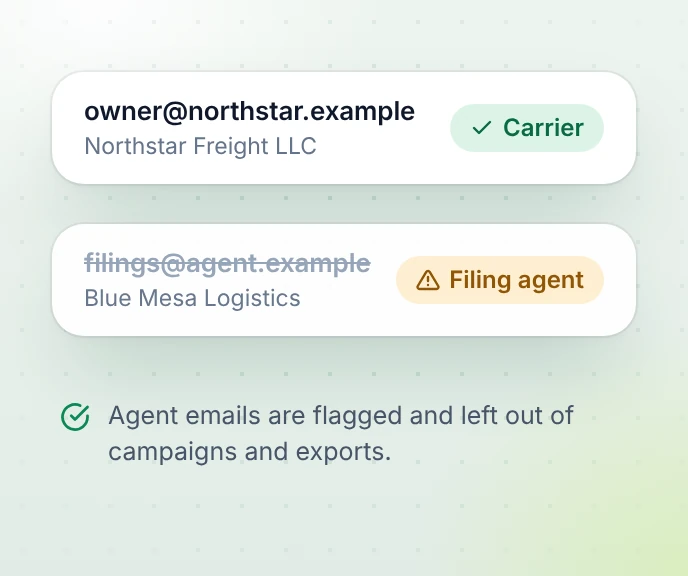
Skip the dead-end emails
Emails that belong to a filing agent are flagged, so you only write to carriers.
-
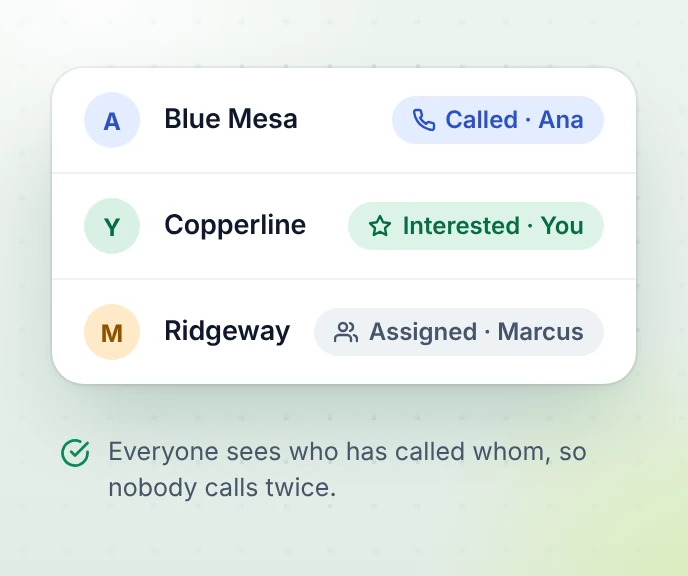
Nobody calls twice
Set a status and your name is on it. Team plans can assign carriers.
-
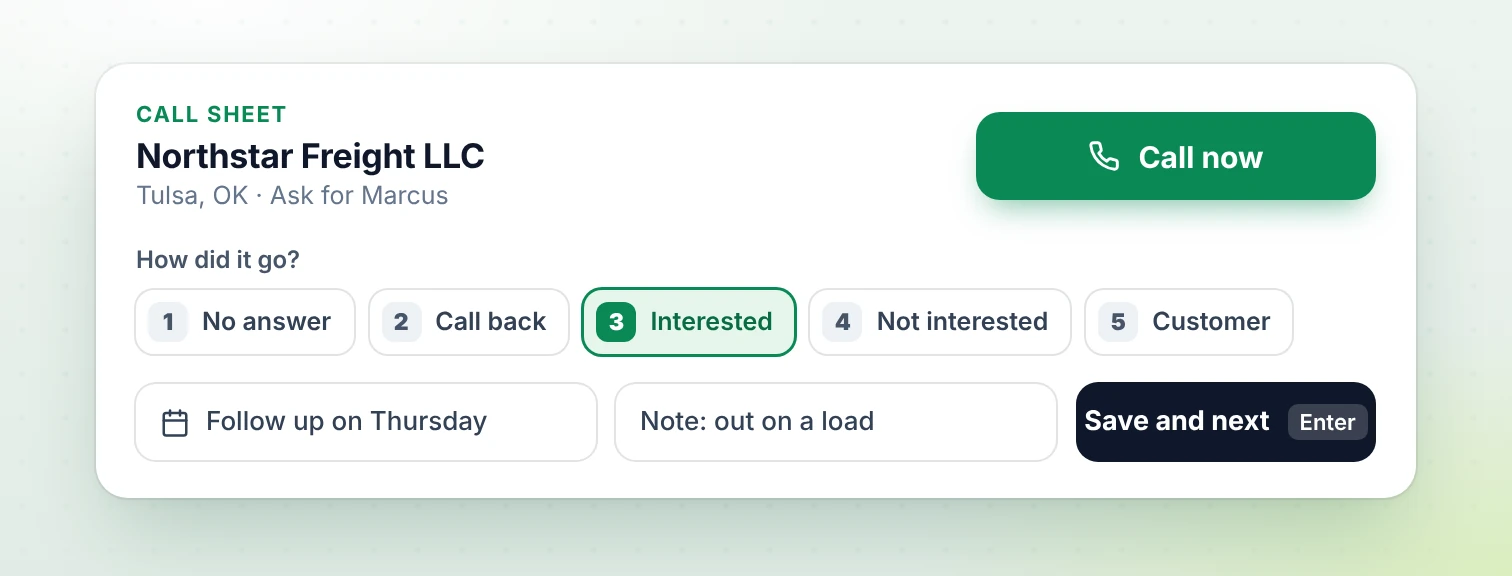
A call sheet that keeps pace Outreach plan
One carrier at a time, outcomes on keys 1 to 5, follow-ups set for you. Fifty calls without touching the mouse.
-
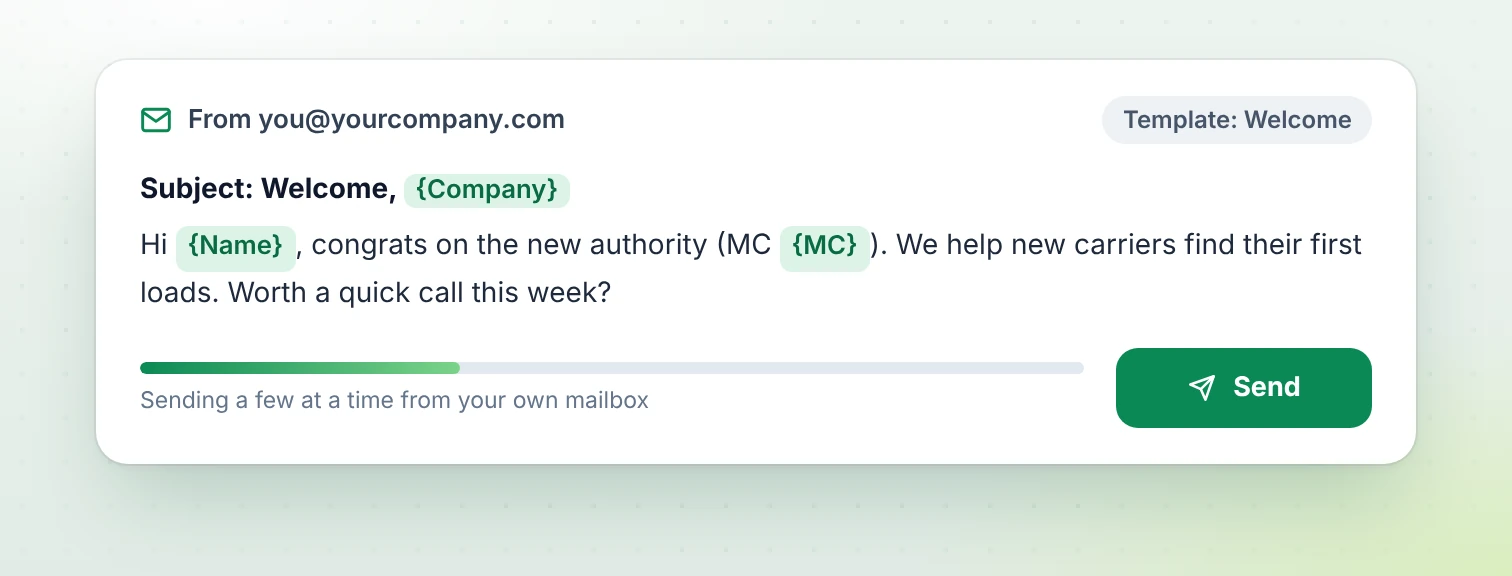
Email from your own mailbox
Pick carriers and a template. Name, company and MC fill in, and emails go out a few at a time.
-
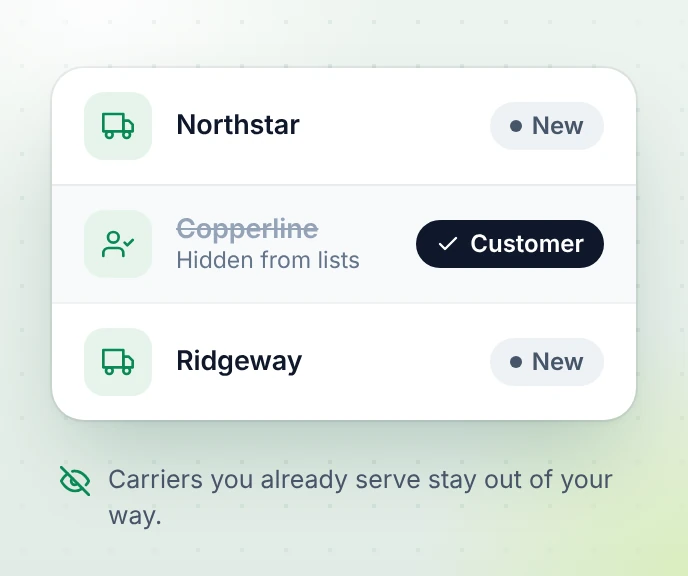
Customers stay out
Carriers you already dispatch for disappear from every list, export and email.


Start free. Pay when the calls pay for themselves.
Paid plans from $29 a month, cancel any time.
-
Free
See how it works
$0 forever
1 person · 15 carriers a month, with phone and email
- New authorities list Preview of 10
- Not included: Statuses, notes, follow-ups
- Not included: Customer list
- Not included: Email campaigns
- Not included: Import numbers
- Not included: Excel and CSV export
- Not included: Assign carriers to teammates
- Not included: Call sheet
- Not included: Saved lists
-
Solo
For one dispatcher
$29 / month
1 person · 1,000 carriers a month, with phone and email
- New authorities list
- Statuses, notes, follow-ups
- Customer list
- Email campaigns 1 mailbox, 30 a day
- Import numbers Up to 200
- Excel and CSV export Up to 200 rows
- Not included: Assign carriers to teammates
- Not included: Call sheet
- Not included: Saved lists
-
Best value
Outreach
For teams that also email
$149 / month
5 people · 10,000 carriers a month, with phone and email
- New authorities list
- Statuses, notes, follow-ups
- Customer list
- Email campaigns 2 mailboxes, 100 a day each
- Import numbers Up to 1,000
- Excel and CSV export Up to 1,000 rows
- Assign carriers to teammates
- Call sheet
- Saved lists 50
Paid plans are chosen in Settings after you sign up. Prices in US dollars, taxes added at checkout where they apply. Full comparison
Questions
Where does the carrier data come from?
From the FMCSA's public registry: the company census (USDOT numbers, addresses, phone, email, fleet size) and the authority and insurance files (MC authority, grant dates, insurance). We check the official datasets regularly and keep only active carriers with operating authority.
How new is a "new authority"?
We show carriers by the date their carrier authority was granted, newest first. FMCSA publishes most changes within a few days; once it's in their files, it usually shows up in HaulBloom within a day.
How often do the weekly numbers on the site update?
The weekly counts cover a full Monday to Sunday week and update every Monday. The carrier list itself is refreshed much more often, so new grants appear there first. The FMCSA adds some grants a few days late, so the latest week can still grow a little.
Which states do you cover?
Every US state. You can browse new authorities by state, and filter by state, truck count and status inside HaulBloom.
Reach this week's new carriers while they're still choosing a dispatcher
Create a free account in a minute. Upgrade when the list starts paying for itself.